 MSTech SoundBoard

MSTech SoundBoard
A retro, broadcast-style desktop soundboard. Click a button, hear a sound — organize hundreds of clips into collapsible sections, fire them off solo or in a batch, and share your whole board as one file.
Screenshot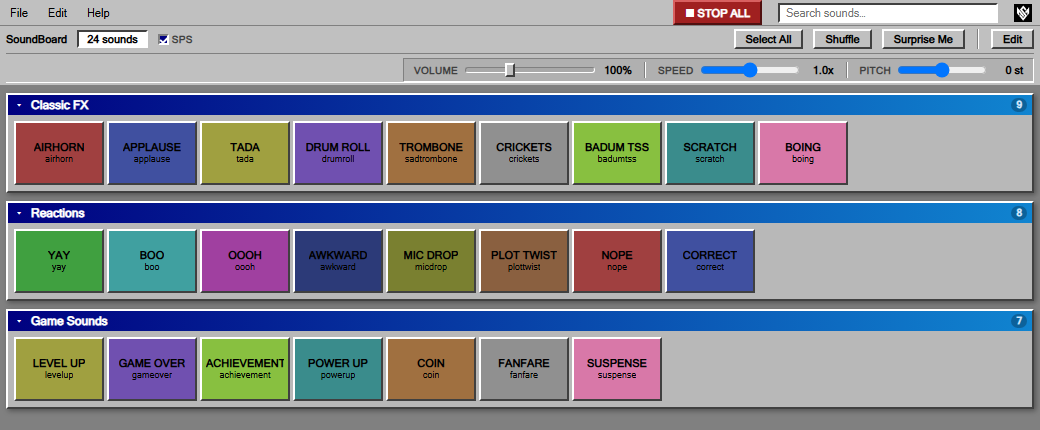 FeaturesInstalling
Mac: open the .dmg and drag MSTech SoundBoard into Applications. The first time you open it, macOS will block it as from an “unidentified developer” (the app isn't signed by Apple) — go to System Settings → Privacy & Security and click Open Anyway.
Linux .deb / .rpm: open it with your software installer, or run
sudo apt install ./SoundBoard-….deb /
sudo dnf install ./SoundBoard-….rpm. Installing an update
asks for your password.
Linux AppImage: make it executable
(chmod +x SoundBoard-….AppImage) and run it. On Ubuntu
22.04 and newer you may need sudo apt install libfuse2 first.